Learn Web Development at NiML Mansehra and build modern, responsive, and dynamic websites from scratch. Master frontend and backend development using HTML, CSS, JavaScript, PHP, and databases with practical, real-world projects to start your career in web development.
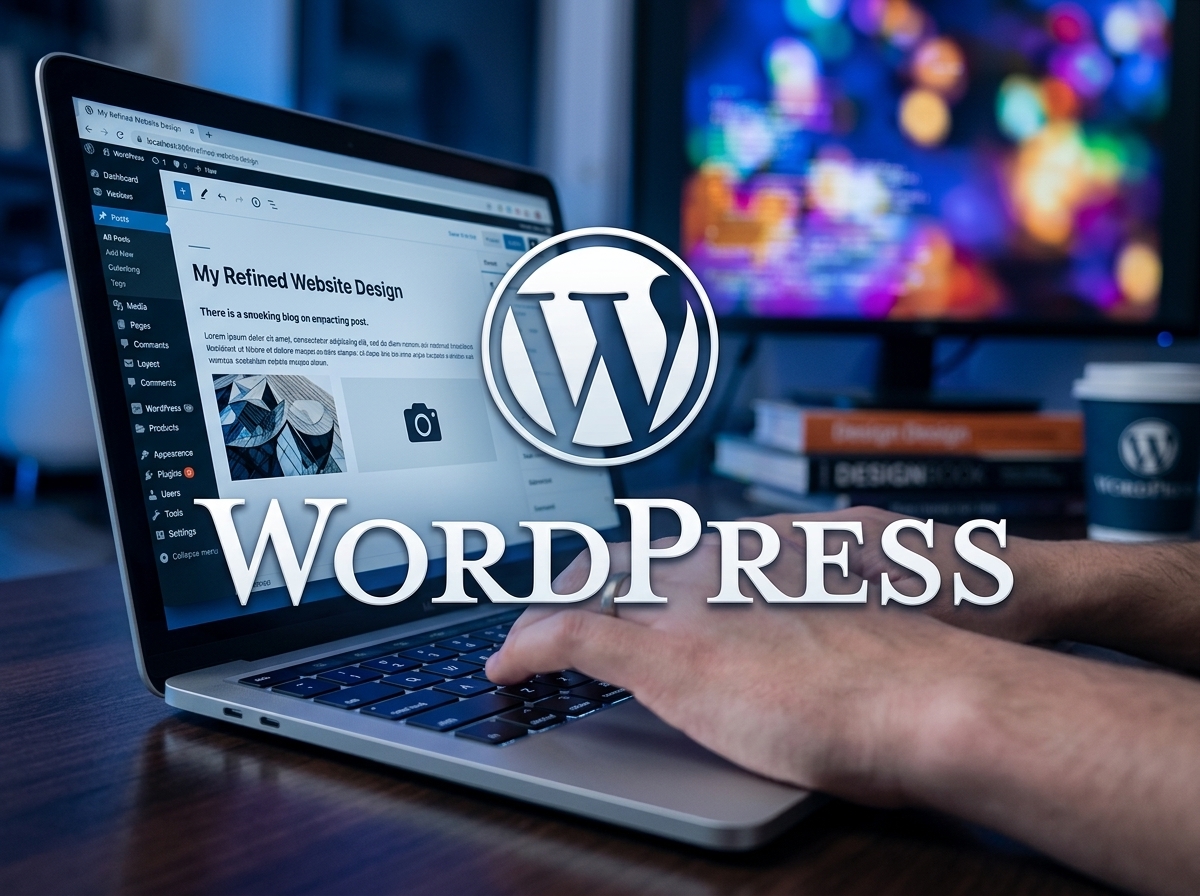
This comprehensive WordPress Development Course at NiML Mansehra is designed to equip students with complete skills to build, design, and manage professional websites. The course covers everything from installation to advanced customization, enabling learners to create modern, responsive, and SEO-friendly websites using WordPress.
Students will gain practical experience through hands-on projects, making them job-ready for freelancing and professional web development careers.
This course spans 12 weeks, with 24 total sessions (2 sessions per week). Each session is 2 hours long, combining theory with practical website development exercises.
This course is ideal for students, freelancers, entrepreneurs, and beginners who want to build professional websites without heavy coding knowledge.
Basic computer knowledge and internet usage skills are required. Prior knowledge of HTML, CSS, or PHP is helpful but not mandatory.
| Week | Module Title | Learning Unit | Practical Hours |
|---|---|---|---|
| Week 01 | Understanding the WordPress ecosystem | What is WordPress? WordPress.com vs WordPress.org, Benefits and features of WordPress | 01 |
| Week 02 | Getting started with WordPress | Installing WordPress locally and on a web server, Exploring dashboard, Posts, Pages, Media | 01 |
| Week 03 | Customizing your WordPress site | Choosing and installing themes, Configuring theme settings, Plugin options for functionality | 01 |
| Week 04 | Managing users and settings | User roles and permissions, Menus and widgets setup, General settings and security configuration | 01 |
| Week 05 | Creating and managing content | Writing blog posts, Creating/editing pages, Categories and tags organization | 01 |
| Week 06 | Media management and optimization | Uploading media (images, videos, audio), Media library management, SEO optimization | 01 |
| Week 07 | Theme customization | Understanding child themes, Customizing with CSS, Theme customization options | 01 |
| Week 08 | Plugin installation and configuration | Installing plugins, SEO/security/performance plugins, Advanced plugin settings | 01 |
| Week 09 | Understanding theme structure | Theme anatomy, Template hierarchy, Template tags | 01 |
| Week 10 | E-commerce with WordPress | WooCommerce setup, Product and order management, Store customization | 01 |
| Week 11 | WordPress Security | Security threats overview, Best practices, Secure hosting, Security plugins setup | 01 |
| Week 12 | WordPress Performance Optimization | Performance issues, Image optimization, Caching techniques, CSS & JS minification | 01 |
The WordPress Development Course at NIML Mansehra provides complete practical training in building and managing professional websites. Students start with WordPress fundamentals and gradually progress to theme customization, plugin integration, content management, and media handling.
The course also covers advanced areas including website security, performance optimization, SEO basics, and e-commerce setup using WooCommerce. By the end of 12 weeks, learners are able to create fully functional, responsive, and optimized websites suitable for business, personal, or freelance projects.
From 9:00 AM – 6:00 PM
From 9:00 AM – 6:00 PM
From 9:00 AM – 6:00 PM
From 9:00 AM – 6:00 PM
From 9:00 AM – 6:00 PM
From 9:00 AM – 6:00 PM
Enter the password to continue.
Incorrect password.