The Graphic Design Course in Mansehra is designed for individuals who want to turn their creativity into a professional skill.
Introducing the Graphic Design Course at NIML Mansehra, meticulously crafted to provide students with a strong foundation in visual communication and modern design principles. This course combines theoretical knowledge with practical, hands-on training to prepare students for a successful career in the graphic design industry, freelancing, and digital media.
Students will work on real-world design projects using industry-standard software to create professional and creative visual content for print and digital platforms.
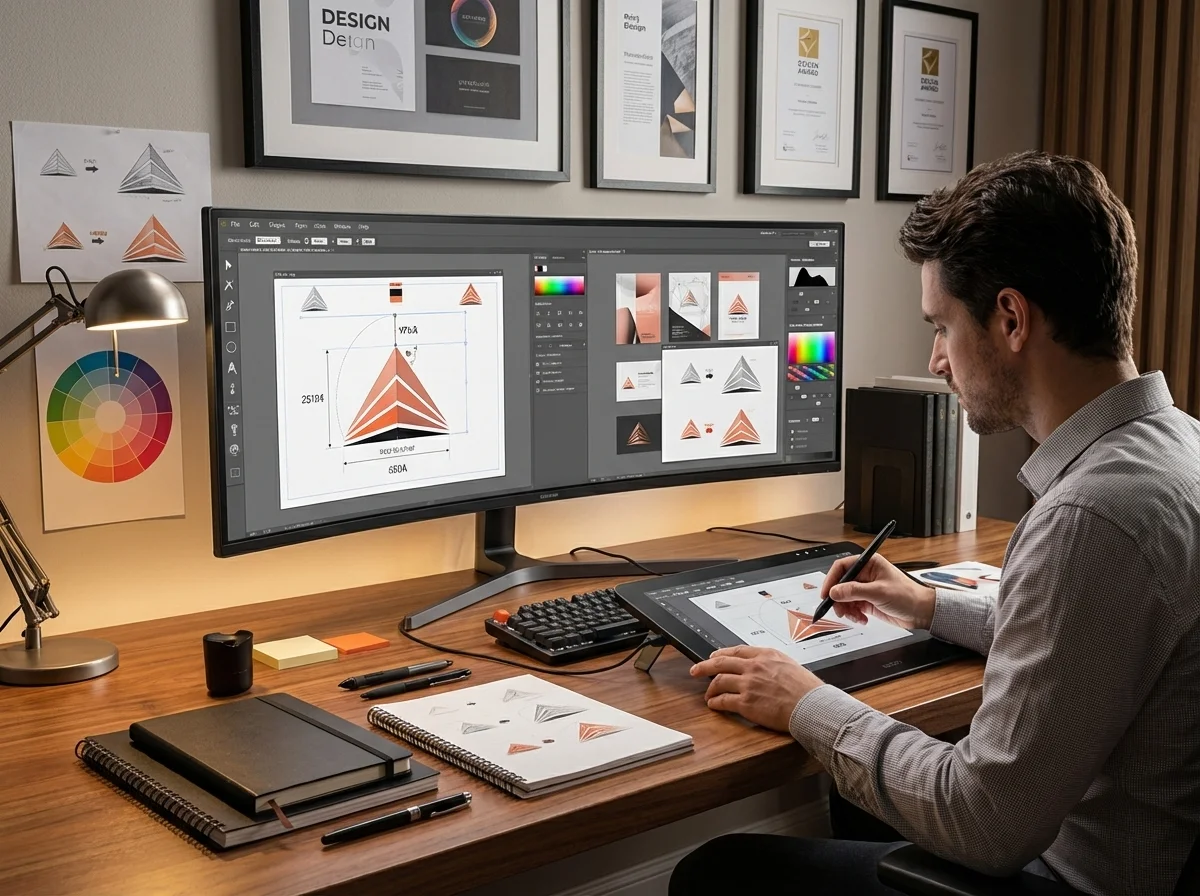
This comprehensive Graphic Design training program covers everything from basic design fundamentals to advanced creative techniques. Students will learn how to create visually appealing graphics, build brand identities, and develop a professional design portfolio.
3-Month Intensive Program:
Designed for beginners who want a fast-track entry into graphic design. This program focuses on essential design skills and software training, enabling students to create basic professional design projects confidently.
6-Month Comprehensive Program:
An advanced program that provides in-depth training in graphic design, branding, UI concepts, and portfolio development. Students will work on complex projects and build industry-level design expertise.
This course is ideal for:
Basic computer knowledge is recommended. No prior design experience is required.
| Weeks | Module Title | Learning Unit | Theory Hours | Practical Hours |
|---|---|---|---|---|
| Week 01 | Adobe Photoshop | 1.1 Create/open/save/import/export files 1.2 Tools usage in toolbar 1.3 Layers creation/merge/group 1.4 Retouching, color & adjustments 1.5 Shapes, fills, strokes, text design 1.6 Filters and effects | 02 | 10 |
| Week 02 | Adobe Illustrator | 2.1 File creation and management 2.2 Tool usage in Illustrator 2.3 Layers creation/merge/group 2.4 Shapes, lines, strokes design 2.5 Colors, gradients, patterns 2.6 Effects creation | 02 | 10 |
| Week 03 | Adobe InDesign | 3.1 File setup and management 3.2 Tools overview 3.3 Multi-page document handling 3.4 Editing styles and effects 3.5 Interactivity and export/printing | 02 | 10 |
| Week 04 | Adobe Lightroom | 4.1 Import and organize photos 4.2 Toolbar tools usage 4.3 RAW/DNG/JPG editing 4.4 Plugins usage 4.5 Presets application 4.6 Exporting photos | 02 | 09 |
| Week 05 | Logo Design | 5.1 Research and inspiration 5.2 Concept sketching 5.3 Digital logo creation 5.4 Color selection techniques 5.5 Font selection & typography logos 5.6 Logo styles (minimal, vintage, 3D, signature) | 02 | 10 |
| Week 06 | Design Art & Illustration | 6.1 Shape creation and drawing tools 6.2 Pen tool and brush techniques 6.3 Image tracing 6.4 Digital illustration creation 6.5 Pattern design 6.6 Digital painting | 02 | 10 |
| Week 07 | UX Design | 7.1 Wireframe creation tools 7.2 UI wireframing (paper + software) 7.3 Color palettes for UI 7.4 Font and image selection 7.5 UI screen design 7.6 Multi-page UI design 7.7 Export UI designs | 02 | 10 |
| Week 08 | Branding & Stationery | 8.1 Grid, margin, layout setup 8.2 Colors, fonts, effects usage 8.3 File export/print setup 8.4 Business card design 8.5 Letterhead design 8.6 Full stationery system | 02 | 10 |
| Week 09 | 2D Animation Design | 9.1 Artboard and layers setup 9.2 Color & effects usage 9.3 File export/print setup 9.4 Sketch to digital animation design | 03 | 08 |
| Week 10 | 2D Animation Design | 10.1 Environment design 10.2 Character design from sketch 10.3 Game elements design 10.4 Icons and UI menus design | 02 | 08 |
| Week 11 | Photo Editing & Retouching | 11.1 Photo import and organization 11.2 Exposure and white balance correction 11.3 Color adjustments (HSL) 11.4 Sharpening & noise reduction 11.5 RAW editing 11.6 Background removal/editing | 02 | 10 |
| Week 12 | Hatching & Dimensions | 12.1 Image editing workflow 12.2 Photo blending techniques 12.3 Lighting, shadows, motion effects 12.4 Watermarking & copyright 12.5 Export formats | 02 | 08 |
| Week 13 | Modern Painting Concept | 13.1 Finalizing design work 13.2 Format conversion 13.3 Print settings setup 13.4 Print quality checks | 02 | 10 |
| Week 14 | Modern Painting Concept | 14.1 Advanced print setup 14.2 Quality control and review 14.3 Printer configuration & workflow | 02 | 10 |
| Week 15 | Composite Solid Models & 3D Work | 15.1 Solid modeling basics 15.2 Adding/subtracting/intersecting solids 15.3 Fillet & chamfer tools 15.4 Mass property reports 15.5 Cross-sections & slicing models | 03 | 09 |
The Graphic Design Course in Mansehra is the perfect opportunity to turn your creativity into a professional career. With the right skills and practice, you can create impactful designs and build a strong future in the digital world.
From 9:00 AM – 6:00 PM
From 9:00 AM – 6:00 PM
From 9:00 AM – 6:00 PM
From 9:00 AM – 6:00 PM
From 9:00 AM – 6:00 PM
From 9:00 AM – 6:00 PM
Enter the password to continue.
Incorrect password.